 Internal Display
Free beta · No registration
Control your MacBook’sbuilt-in display.
Switch the built-in display off or on from the menu bar or a keyboard shortcut. External monitors stay on, with their settings and desktop layout unchanged.
Built-in display on
Controls
Configurable shortcut, keyboard backlight control and optional launch at login.
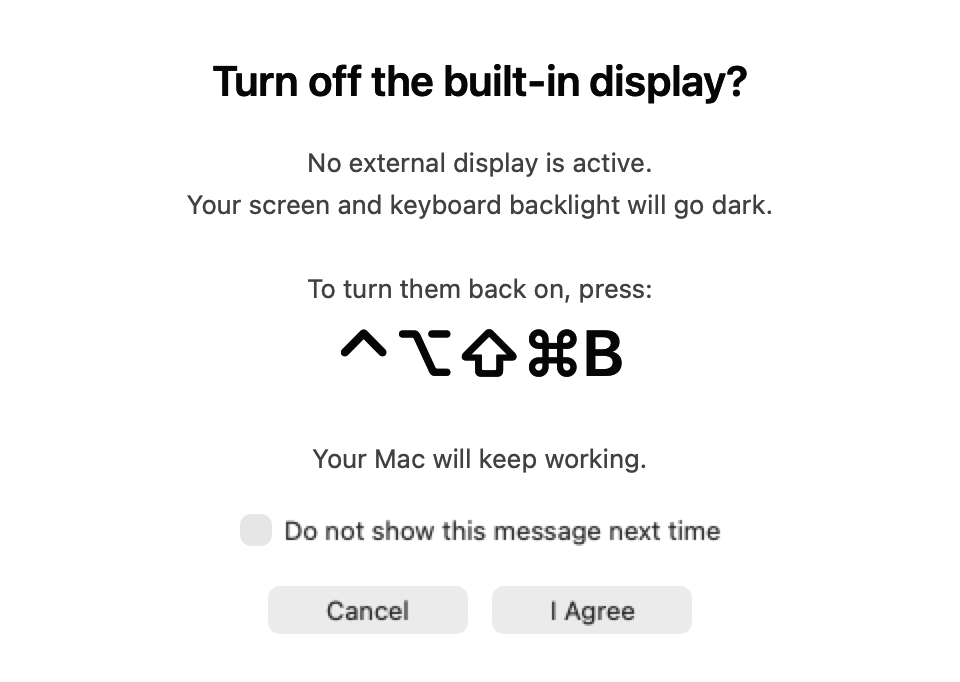
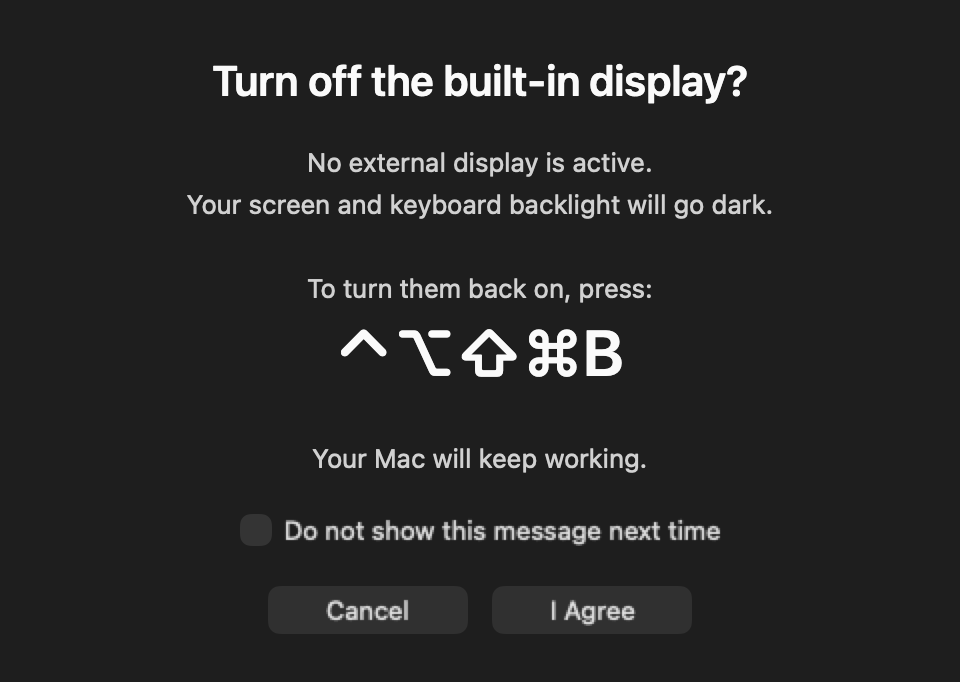
Confirmation shown when no external monitor is connected. App interface currently in English.
FREE BETA
Beta for macOS
System requirements
Apple silicon MacBooks running macOS 26 or 27. The app checks built-in display compatibility before enabling control.
Beta version 1.6.11 · 31
This free beta is not notarized by Apple. macOS will block the first launch and require your explicit approval.
SHA-256 checksum
c72b9fb1b1041ae841b640ee3b5e10520e860d2383f6e0ef603b3b6607b246cbInstallation
- Open the DMG and drag Internal Display to Applications.
- Launch Internal Display from Applications once, then dismiss the macOS warning.
- Open System Settings → Privacy & Security → Open Anyway for Internal Display, then authenticate and confirm.
Only approve a download you trust. Managed Macs may prohibit this exception. Do not disable Gatekeeper or remove quarantine attributes.
FAQ
Does this remove the display from the desktop?
No. The panel is powered off, but remains in the desktop layout. Windows and the pointer can still move onto it. Display mirroring is not supported.
What happens to the keyboard backlight?
It switches off with the built-in display and returns to its previous brightness when the display is restored.
Can I use it without an external monitor?
Yes. Before switching off, the app shows your configured recovery shortcut. Use it to restore the display.
How does this affect Mac sleep?
While Internal Display keeps the built-in screen off, it temporarily prevents the Mac from sleeping due to inactivity. Restoring the screen releases this restriction without changing your power settings. Manual sleep and closing the lid can still put the Mac to sleep. To keep your Mac awake independently of the built-in screen, use Amphetamine with a timed or indefinite session.
Amphetamine on the App StoreDoes the app send diagnostics?
The app collects no usage statistics and sends no automatic diagnostic reports. To report a problem, open Report Issue, choose a reason and review the technical data before pressing Send. This required snapshot contains limited system and app-state information to help us investigate. Choose Something Else to add a description; a description is required for this option. It stays in our private report service; only structured answers and allowlisted technical data go to our private engineering issue tracker. No registration is needed and we do not send individual replies. Fixes are delivered in app updates. The report service also processes connection metadata.